TL;DR — Key takeaways
- Email templates save customer service teams 2–4 minutes per ticket on average — at 500 emails a month, that's up to 33 hours less handling time.
- 12 common situations can be covered with sample templates: acknowledgment, follow-up, complaint, return, rejection, team change and more.
- Automation potential: around 40–60% of all incoming customer service emails are standard requests that can be fully or partly automated with AI-powered templates.
- Important: templates save time but don't replace tone — personalization and sentiment detection remain the job of a human or a trained AI agent.
Definition · Email templates in customer service
Email templates (also called canned responses or text snippets) are prewritten replies for recurring situations in customer service. They standardize wording, keep the tone consistent and reduce handling time per ticket. In modern helpdesk systems, they are either selected manually or suggested automatically by an AI system and filled in individually.
If you answer dozens or hundreds of customer requests a day, you know the problem: the same situations come up again and again — the acknowledgment, the complaint reply, the return information. Without templates, every agent writes these texts from scratch, with varying quality and unnecessary effort. This article gives you 12 ready-to-use templates for the most common scenarios — as copyable text, not screenshots — plus an overview of which ones are suitable for AI automation.
What do email templates actually achieve in customer service?
Email templates cut the handling time per standard ticket by 2–4 minutes on average. That doesn't sound like much, but it adds up: for a team handling 100 emails a day, that's up to 6 hours of work time saved every day. According to the Zendesk CX Trends Report 2026, 85% of CX leaders say customers will leave a brand after a single unresolved issue – so structured templates that secure first contact resolution aren't a nice-to-have, they're a retention factor.
On top of that, there are three more benefits that are often underestimated.
Consistent tone: without a template, every agent decides how to phrase things. That leads to inconsistent customer experiences – especially critical for complaints or rejections. A template sets the frame, which the agent fills in individually.
Faster onboarding: with templates, new team members can send high-quality replies from day one – without weeks of learning wording standards.
A basis for automation: if you maintain your templates in a structured way, you have the best foundation for AI-powered automation. Helpdesk systems such as Zendesk, Freshdesk or GREYHOUND can suggest trained templates automatically or send them entirely on their own for clear standard requests. The Ticket Automation page explains how this works in practice.
5 best practices for professional customer service emails
Before you use the templates, it's worth looking at the ground rules – because a bad template does more harm than none at all.
1. Answer first: answer the actual question in the first sentence. Customers don't read long explanations before they know whether their issue will be solved.
2. Address customers by name: use the first name or full name from your CRM. Impersonal greetings like “Dear Customer” come across as dismissive.
3. One question, one answer: if you need more information, ask for everything at once. Every extra email round costs time and lowers customer satisfaction. The goal is first contact resolution – solving the issue on the first try.
4. Recognize and mirror the mood: upset customers need understanding first, then a solution. Your template has to allow for that – with a clear placeholder for an empathetic opening.
5. Quality check before sending: check links and codes, actually attach the attachment, insert the correct ticket number. Automated QA rules in Zendesk or Freshdesk help here.
12 ready-to-use email templates for common situations
The following templates are meant as a starting point – adapt the tone and signature to your brand. Placeholders are marked in [SQUARE BRACKETS].
1. Acknowledgment of receipt
Subject: We've received your request – Ticket #[TICKET NUMBER]
Hi [FIRST NAME],
thank you for your message. We've received your request and will take care of it as quickly as possible.
Our team will get back to you within [TIME FRAME, e.g. 24 hours]. If your issue is urgent, you can also reach us by phone at [PHONE NUMBER].
Best regards
[YOUR NAME]
[POSITION] | [COMPANY]
Automation level: Fully automatable — this acknowledgment should be sent immediately on receipt, without human intervention.
2. Follow-up for missing information
Subject: A few open questions about your ticket (#[TICKET NUMBER])
Hi [FIRST NAME],
to resolve your issue, we still need the following information from you:
- [MISSING INFORMATION 1, e.g. order number]
- [MISSING INFORMATION 2, e.g. screenshot of the error message]
- [MISSING INFORMATION 3, e.g. invoice date]
As soon as we have these details, we can take care of your request right away. If we haven't heard back from you by [DATE], we'll close the ticket for now – you can reopen it at any time.
Best regards
[YOUR NAME]
[POSITION] | [COMPANY]
Automation level: Partly automatable – AI can detect missing fields from the conversation and suggest the list; the agent confirms and sends.
3. Acknowledgment of a complaint
Subject: We've received your complaint (#[TICKET NUMBER])
Hi [FIRST NAME],
thank you for taking the time to write to us. We take your complaint seriously and are sorry you had this experience.
Your issue is a high priority for us. We'll get back to you with a concrete solution within [TIME FRAME].
Best regards
[YOUR NAME]
[POSITION] | [COMPANY]
Automation level: The acknowledgment can be automated; the actual reply to the complaint requires human review.
4. Apology email
Subject: We've received your feedback – and we're acting on it (#[TICKET NUMBER])
Hi [FIRST NAME],
we sincerely apologize for [SPECIFIC PROBLEM]. This shouldn't have happened, and we understand how frustrating it is.
We've passed your feedback on to [RESPONSIBLE TEAM] and are already working on a solution. Specifically, we will [ACTION, e.g. reship your order right away / fix the error in the system].
If you have any other questions in the meantime, we're always here to help.
Best regards
[YOUR NAME]
[POSITION] | [COMPANY]
Automation level: Not fully automatable – apologies require human judgment of the individual case.
5. Product defect or server issue
Subject: Important information about [PRODUCT/SERVICE] – we're on it (#[TICKET NUMBER])
Hi [FIRST NAME],
we'd like to let you know proactively that we're currently experiencing [PROBLEM, e.g. shipping delays / a technical outage].
Our team is working hard on a fix. We expect the issue to be resolved by [EXPECTED DATE/TIME].
We'll keep you posted and apologize for the inconvenience.
Best regards
[YOUR NAME]
[POSITION] | [COMPANY]
Automation level: Sending to affected customer segments can be automated once the issue has been identified and documented internally.
6. Return processing and refund
Subject: We've received your return (#[TICKET NUMBER])
Hi [FIRST NAME],
your return has arrived. We'll process it within [TIME FRAME, e.g. 5–7 business days].
The refund of [AMOUNT] will be credited to your original payment method. Depending on your bank, this may take another [TIME FRAME].
If you have any questions about your return, simply reply to this email.
Best regards
[YOUR NAME]
[POSITION] | [COMPANY]
Automation level: Fully automatable with a direct API connection to Shopware, Shopify or plentymarkets – the AI agent reads the return status and sends this email automatically.
7. Exchange offer
Subject: We're on it: your replacement is waiting (#[TICKET NUMBER])
Hi [FIRST NAME],
we apologize for the problem with [PRODUCT]. As a solution, we'd like to offer you the following:
Option A: We'll send you [REPLACEMENT PRODUCT] free of charge – no need to return the defective item.
Option B: We'll refund [AMOUNT] to your original payment method.
Just let us know which option you prefer, and we'll take care of it right away.
Best regards
[YOUR NAME]
[POSITION] | [COMPANY]
Automation level: Partly – AI can suggest options, the agent confirms and sends.
8. Request outside the policy (rejection)
Subject: About your request (#[TICKET NUMBER])
Hi [FIRST NAME],
thank you for your message. We understand your request — unfortunately, [SPECIFIC REQUEST, e.g. a refund after 30 days] isn't possible due to our [POLICY, e.g. 14-day return period].
Here's what we can do for you instead: [ALTERNATIVE, e.g. a voucher worth €X / a free consultation / an extended trial period].
Please let us know whether that works for you.
Best regards
[YOUR NAME]
[POSITION] | [COMPANY]
Automation level: Partly – AI can detect a policy violation and suggest the template; the agent reviews it and adds the alternative.
9. Forwarding to another department
Subject: Your request is being forwarded (#[TICKET NUMBER])
Hi [FIRST NAME],
to help you in the best possible way, we're forwarding your request to [DEPARTMENT, e.g. our technical team / the accounting team]. You'll hear back from them by [DATE] at the latest.
Your ticket number is #[TICKET NUMBER] – please keep it handy for any follow-up questions.
Best regards
[YOUR NAME]
[POSITION] | [COMPANY]
Automation level: Fully automatable — intent detection can identify the responsible department and forward the ticket together with this notification.
10. Team change / new contact person
Subject: Your new contact at [COMPANY]
Hi [FIRST NAME],
I'd like to briefly introduce myself: my name is [YOUR NAME], and I'm taking over your account from [PREVIOUS CONTACT] effective immediately.
I'm already up to speed on your request and your history with us, and I'll be just as reliable a partner for you. You can reach me at [EMAIL] or by phone at [PHONE].
If that suits you, I'd love to have a quick call – here are three suggested times: [SLOT 1] / [SLOT 2] / [SLOT 3].
Best regards
[YOUR NAME]
[POSITION] | [COMPANY]
Automation level: Not automatable – requires human initiative and personal details.
11. Feedback request after a resolved ticket
Subject: How did we do? Quick feedback on your request
Hi [FIRST NAME],
we hope your issue was resolved to your satisfaction. May I ask you for a quick rating?
[LINK TO RATING or 1-click rating system]
Your feedback helps us keep improving our service – and takes less than 30 seconds.
Many thanks
[YOUR NAME]
[POSITION] | [COMPANY]
Automation level: Fully automatable — this email can be sent automatically X hours after the ticket is closed.
12. Subscription renewal reminder
Subject: Your [PRODUCT] subscription renews soon
Hi [FIRST NAME],
your [PRODUCT] subscription will renew automatically on [DATE]. [AMOUNT] will be charged to the payment method you have on file with us.
If you'd like to make changes, you can do so in your customer account until [DEADLINE]: [LINK]
If you have any questions, we're happy to help.
Best regards
[YOUR NAME]
[POSITION] | [COMPANY]
Automation level: Fully automatable — trigger-based sending X days before the renewal date.
Which templates can be automated?
Not every template is equally suited to fully automated sending. The following overview shows which level of automation is realistic – and which helpdesk or shop integrations you need for it.
| Template | Automation level | Requirement |
|---|---|---|
| Acknowledgment of receipt | ✅ Full | Helpdesk rule (Zendesk, Freshdesk, GREYHOUND) |
| Follow-up for missing info | 🔶 Partial | AI intent detection + agent approval |
| Complaint received | ✅ Full | Sentiment detection in the helpdesk |
| Apology email | ❌ Manual | Requires human judgment |
| Product defect notice | ✅ Full | Status page / internal alert system |
| Return / refund | ✅ Full | API connection to Shopware / Shopify / plentymarkets |
| Exchange offer | 🔶 Partial | AI suggestion + agent approval |
| Rejection (policy) | 🔶 Partial | AI detection + agent review |
| Forwarding to a department | ✅ Full | Intent routing in the helpdesk |
| Team change / new contact | ❌ Manual | Personal decision |
| Feedback request | ✅ Full | Trigger after ticket closure |
| Subscription reminder | ✅ Full | CRM database query + trigger |
Of the 12 templates, 6 can be fully automated, 3 partly, and 3 require human handling. In practice, this means that if you add all 12 templates to your helpdesk and configure the right triggers, you can handle a significant share of your outgoing email communication without manual effort. According to the Bitkom study “Artificial Intelligence in Germany” (2026), 42% of German companies already use AI in customer service – more than double the figure for 2024.
Email automation in customer service: how it works with AI
The templates above are the first step. The second step is automation – and here two approaches differ fundamentally.
Rule-based automation works with fixed conditions: if a ticket with the subject “Return” comes in, the system sends the return template. It's easy to set up but rigid – every exception needs a new rule.
AI-powered automation recognizes the intent behind an email (intent recognition) and picks the right template – even when the wording is unusual. An AI agent can not only select the template but also fill in placeholders such as ticket number, order status or refund amount directly from the connected shop system. The result is a personalized email that looks as if a human wrote it.
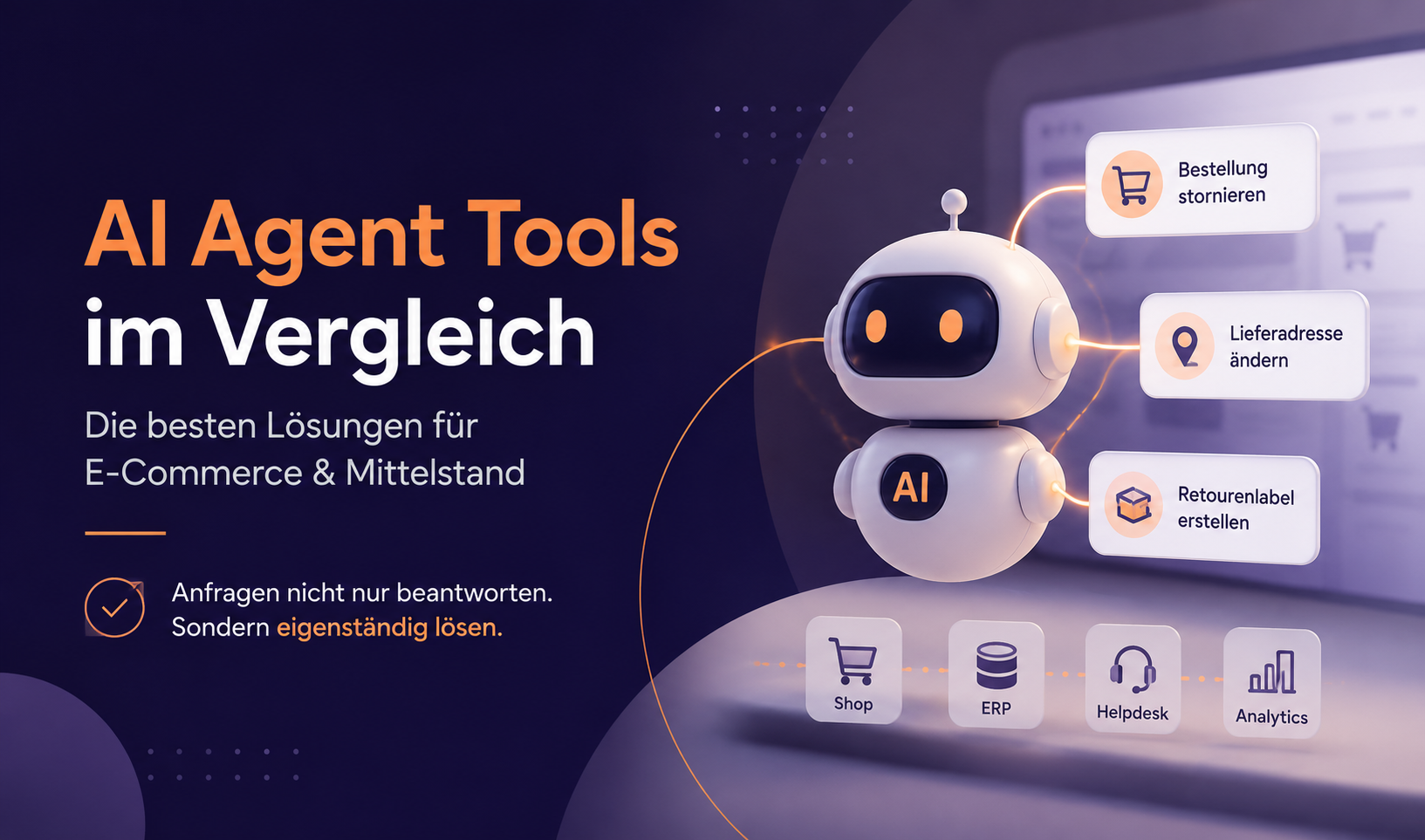
Providers like melibo, which offer native integrations for Zendesk, Freshdesk and GREYHOUND as well as direct shop connections to Shopware 6 and Shopify, enable exactly this approach: the AI agent recognizes the intent, pulls order data in real time, fills in the template and sends it — or presents it to the agent for one-click approval. The latter is called Agent Assist and is especially useful for templates like exchange offers or rejections, where human judgment still matters. More on the difference between the two approaches: Efficient customer service automation: how to reach 60% with AI.
Important: automation rates of 80–90% are often promised, but in practice they're only realistic with very homogeneous request profiles. For a typical customer service team, 40–60% fully automated plus 20–25% with Agent Assist is a solid, reliable target. Read more in At what ticket volume does an AI agent pay off?
A well-maintained template library is also the foundation for a working knowledge base: once you've structured your most common email replies, you already have the content for self-service articles and chatbot training data.
For an overview of AI-powered automation in the bigger picture, see AI chatbots in business 2026. And if you want to know what the EU AI Act means for automatically sent emails – keyword: labeling obligation from August 2026 –, you'll find the answers in EU AI Act in customer service.
Customer service automation
You've got the templates. We'll show you how to automate them.
In a free 30-minute call, we'll look at which of your most common email situations can be fully automated — and which helpdesk integration is the right fit.
Book a free call →Frequently asked questions (FAQ)
How many email templates does a customer service team need?
A well-organized customer service team needs at least 8–12 core templates covering the most common situations: acknowledgment, follow-up, complaint, return, rejection, forwarding, feedback request and subscription reminder. On top of that come industry-specific templates – an e-commerce shop needs specific return and order status templates, for example, while a SaaS provider needs onboarding and technical support templates. As a rule: a few well-maintained templates are better than many outdated ones.
Where should I store email templates for my customer service team?
Ideally directly in the helpdesk your team uses every day — in Zendesk (as macros), Freshdesk (as canned responses) or GREYHOUND (as text snippets). There, they're instantly available to all agents, can be adapted individually and can be used for AI-powered automation. A separate Google Doc collection only makes sense as a drafting and approval process, not as permanent storage.
Which email templates are suitable for full automation?
Fully automatable templates have two characteristics: first, a clear trigger (e.g. “return received”, “ticket closed”, “subscription expires in 7 days”), and second, no situational decision. That applies to acknowledgments, return confirmations, feedback requests and subscription reminders. Templates for apologies, rejections or exchange offers need at least one human approval because they require situational judgment.
How do I adapt email templates for angry customers?
The template provides structure, but the tone has to be adjusted. With upset customers, the rule is: understanding before solution. The first sentence of the template should always include an empathy placeholder that the agent fills with concrete wording — for example: “I understand how annoying this is, and I'm sorry you had this experience.” AI systems with sentiment detection can alert the agent that the tone needs adjusting. According to Zendesk CX Trends 2026, 74% of customers expect agents to know who they're dealing with when they get in touch – an argument for CRM-linked templates that show the customer context automatically.
How often should I update email templates?
At least once a quarter. Common triggers for a revision: changed return periods or terms and conditions, new products or services, changing customer feedback on certain wording, and — for AI-powered systems — when a template's automation rate falls below a defined threshold. A good helpdesk shows you which templates are used how often and which are hardly ever used — the latter are candidates for revision or deletion. Also remember to check your templates after August 2, 2026 against the EU AI Act labeling obligation: if you send AI-generated emails, you may need to disclose it.