Automation with a sense of proportion: why individuality matters
Some companies are gripped by blind enthusiasm for automation. But automating everything without rhyme or reason can't be the goal. That's why we at melibo look at your company individually and adapt our AI platform to your company's needs and possibilities, so you get the most out of our customer service automation. Existing processes are reviewed and improved so no errors creep in. Your customers benefit from personal, fast service. And because we believe humans and AI can be a real dream team, we reduce the risk of your customers getting stuck in an automated endless loop at some point and leaving for your competitors in frustration.
What options do you have for automating customer service?
First of all, any professional automation software provider will advise you to optimize your self-service. Make sure your FAQs are up to date and keep your customers informed through a newsletter or articles on your website. If it suits your offering, you can also provide video tutorials. If you're not sure where your customer service currently stands, take our test here. Once these steps are done, you can focus on automating your customer service. You have various options for this:
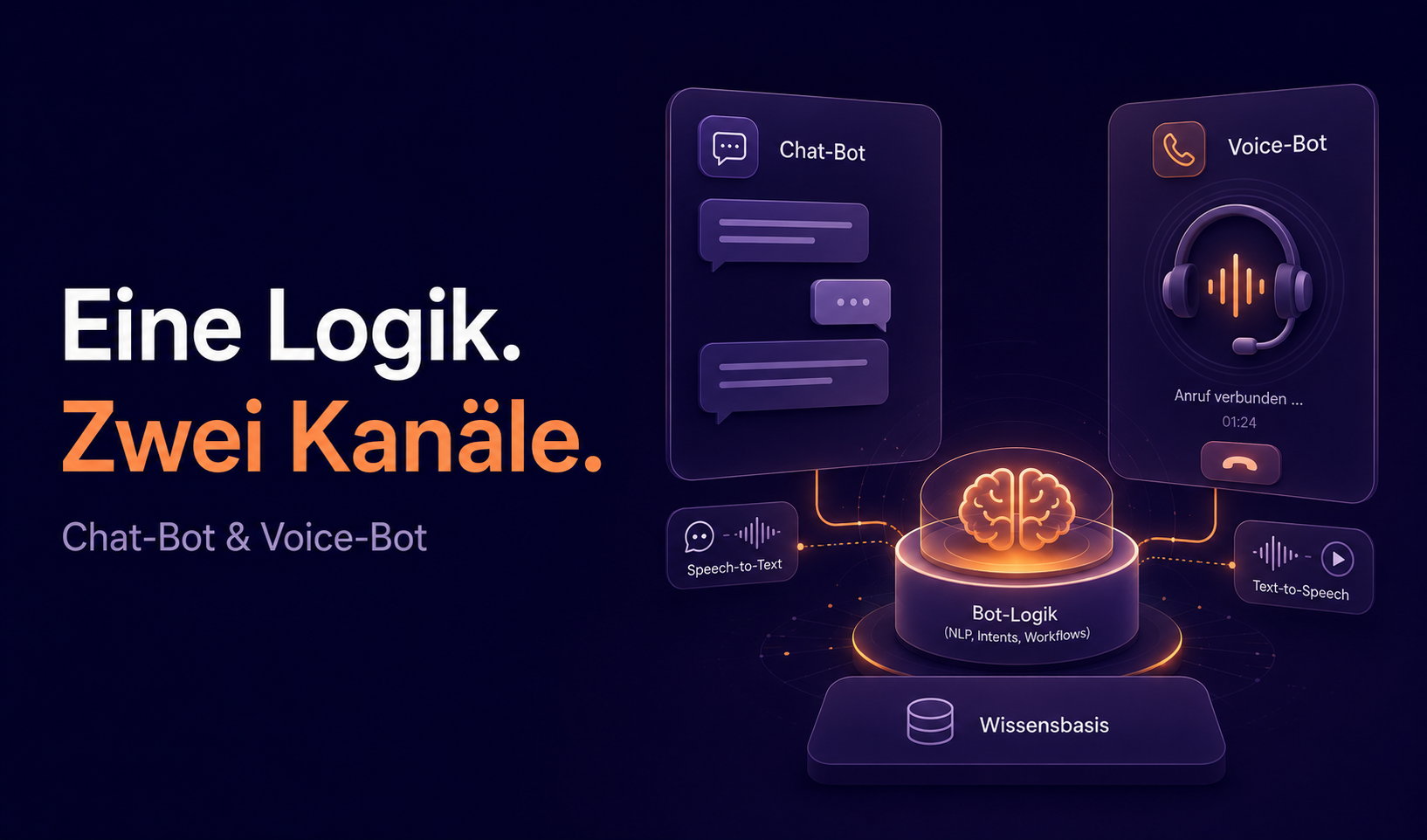
A chatbot for live chat
Many questions can be answered with a short conversation. For this, you can place a chatbot directly on your website that answers your customers' first questions directly and easily. If the chatbot can't answer a question, your customers are forwarded to a customer service agent via smart human handover. Here too, your chatbot can be a real help: by collecting all the information needed to resolve the inquiry, your service agents can help quickly and directly without customers having to repeat themselves. That way you save not only your service agents but also your customers a lot of time – and, in your company's case, money too. This overview shows your options for implementing smart human handover:

Ticket Automation
Many customers still prefer to contact customer service by email. Since many of these inquiries are one-touch tickets, there's high potential for automation here: they can be resolved with a single answer. With these four features, Ticket Automation automates your customer service in no time:
Ticket categorization
Your AI analyzes all incoming tickets and sorts them by topic or difficulty. You can define the exact categories individually for your company. Your employees can now see the ticket's topic at a glance, which can make resolving it faster and more efficient. By categorizing support tickets, you lay the foundation for further automating your customer service.
Automatic answers
With AI, simple – and over time more complex – inquiries are answered automatically. The AI goes through the information you provide again and again and gives your customers answers to their questions. It can also cite sources to strengthen your customers' trust and make its answers verifiable. By letting your AI access only information within your network, you keep control over the answers and enable high precision. You also decide which inquiries are automated directly and which are forwarded.
Smart ticket routing
With smart ticket routing, tickets are forwarded to agents who currently have capacity for new inquiries. The AI can also take into account which of your agents has the best expertise for the question asked. That not only distributes inquiries better across your service agents but also gives every single inquiry expert service. If a customer has spoken to a particular service agent before, the chatbot can recognize this from her data and route her to that agent. Little things like this build your customers' trust in your company.
AI answer suggestions
As part of Ticket Automation, the AI can give your employees suggested answers to the inquiries at hand. Your agents always keep control over the answers, since no suggestion is ever sent without your agents' approval. That makes it easier to implement consistent guidelines for communicating with customers. The quality of answers also becomes more consistent, so there should be less fluctuation in customer satisfaction.
Your roadmap to 60% automation
Every roadmap looks a little different for every company. But some steps are always part of it – whether with a chatbot or Ticket Automation. While a chatbot responds to customer inquiries immediately in conversation, Ticket Automation offers great potential for automating your customer service by automating your support emails.
First step: 10% automation
Upload your FAQs to our Knowledge Hub and let the AI answer many questions before they even reach your customer service. When customers ask a question, the AI first searches all the information available to it and then gives an answer the customer can understand. To avoid uncertainty, the AI provides sources for its answer, with links that make the answer traceable. For example, the AI can tell customers whether a product is still available and take them straight to it.
20% automation with good conversations
At the start of your automation journey, our AI experts set up the first chat flows for you. They're already familiar with many topics in your industry and deliver automation from day one. As you keep improving these conversations and personalizing them for your company, the chatbot becomes an ever bigger help. By tailoring the conversations to your company, the AI can over time answer more complicated inquiries and enter into a dialog with your customers.
40% automation with back-end integrations
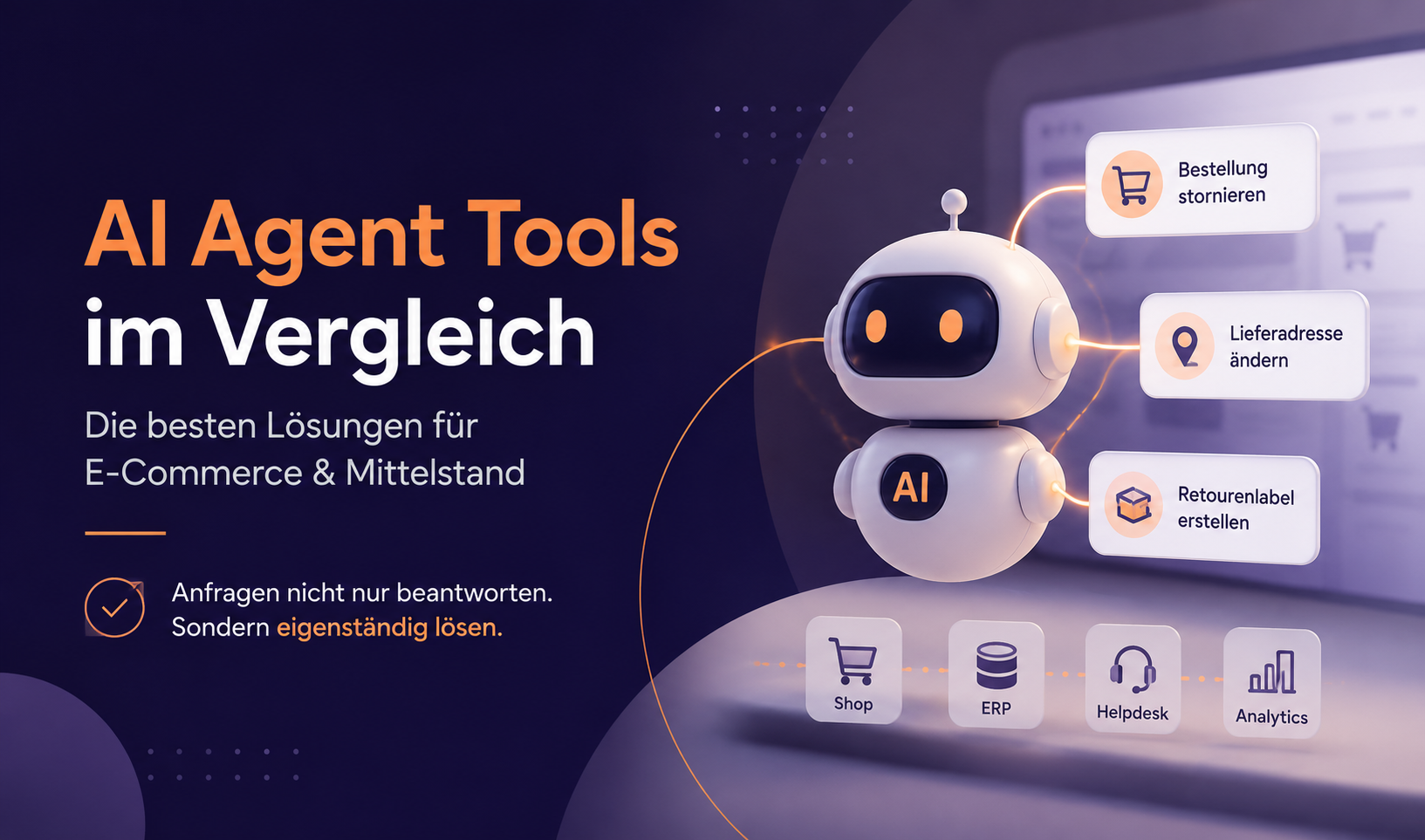
With access to your back-end data, the AI can automate far more processes. With access to your data sources, the AI can, for example, check the status of an order for your customers or find out where their package is. Of course, the AI can also cancel orders for customers. It doesn't matter whether you use HubSpot, Pipedrive or Salesforce – melibo integrates your data sources, so you don't have to worry. Slow manual lookups and processing of this information are a thing of the past. But the AI can do much more for you. It can handle complaints and guide your customers through the returns process, for example by providing return labels. Of course, it can keep them informed about the status of the return at all times. The AI can also cancel an order or issue an invoice on behalf of your customer service agents. With access to customer data, it can also make changes to billing details or delivery addresses without a service agent having to spend time on it. You can read exactly how to automate various business processes with AI chatbots in this whitepaper.
60% automation through comprehensive data analysis
After 40% automation, it's time for fine-tuning. With detailed insights collected by your AI, you can identify and fix problems and misunderstandings faster. That way, your automation becomes more effective the more you train it.
When you look at the conversations with your customers, you can often see when customers give up or simply abandon the conversation. By sharpening answers and responding better to your customers, you can make sure your customers go through the entire conversation and everyone is happy with the result.
With a good overview of the questions asked, you can quickly see whether there are questions or topics in your self-service area that concern many of your customers but that you don't yet answer precisely. By adding these and making them accessible to your customers, you once again take the load off your customer service team.
Customer service automation through self-service
By continually improving your self-service with automation, you put your customers at the center of your efforts – and they'll thank you by becoming loyal regular customers. You can read about the particular benefits this brings you and your company in our blog article here.
Once you've gone through all the steps toward automation, your customer service team should have more than just time to breathe. Instead of merely reacting to a flood of inquiries and answering them under constant stress, they can now approach your customers proactively with far fewer inquiries and develop and implement more efficient processes and profitable tasks.
Conclusion: your optimized customer service automation
Automating your customer service with AI offers great potential to optimize your customer service and increase customer satisfaction. Still, not everything in your company should be automated blindly. With a well-thought-out roadmap and step-by-step integration, your customer service can be automated efficiently, which will have a positive effect on your entire company. After all, your customers are the heart of your profit. And don't forget: using a chatbot and Ticket Automation takes a significant load off your service agents, giving them the chance to breathe and fill their time with profitable tasks.
In the automation process, the interplay between humans and machines always comes first. That keeps service personal, fast and customer-focused.