Why does my Zendesk need an upgrade?
Fast, smooth customer service is essential for companies today – especially in e-commerce, where customers expect quick answers and solutions. Zendesk is one of the leading ticket management platforms, but out of the box it falls short of its potential. Without automation, customer service can quickly become inefficient: long handling times, overflowing ticket backlogs and manual processes weigh on the support team and mean longer waits for customers. If you're not sure where your customer service stands, take the test here .
Without automation, the helpdesk solution Zendesk falls far short of its potential. Especially in specialized areas like e-commerce, Zendesk's standard configuration hits its limits. The platform offers versatile features, but it isn't tailored specifically to the needs of this industry.
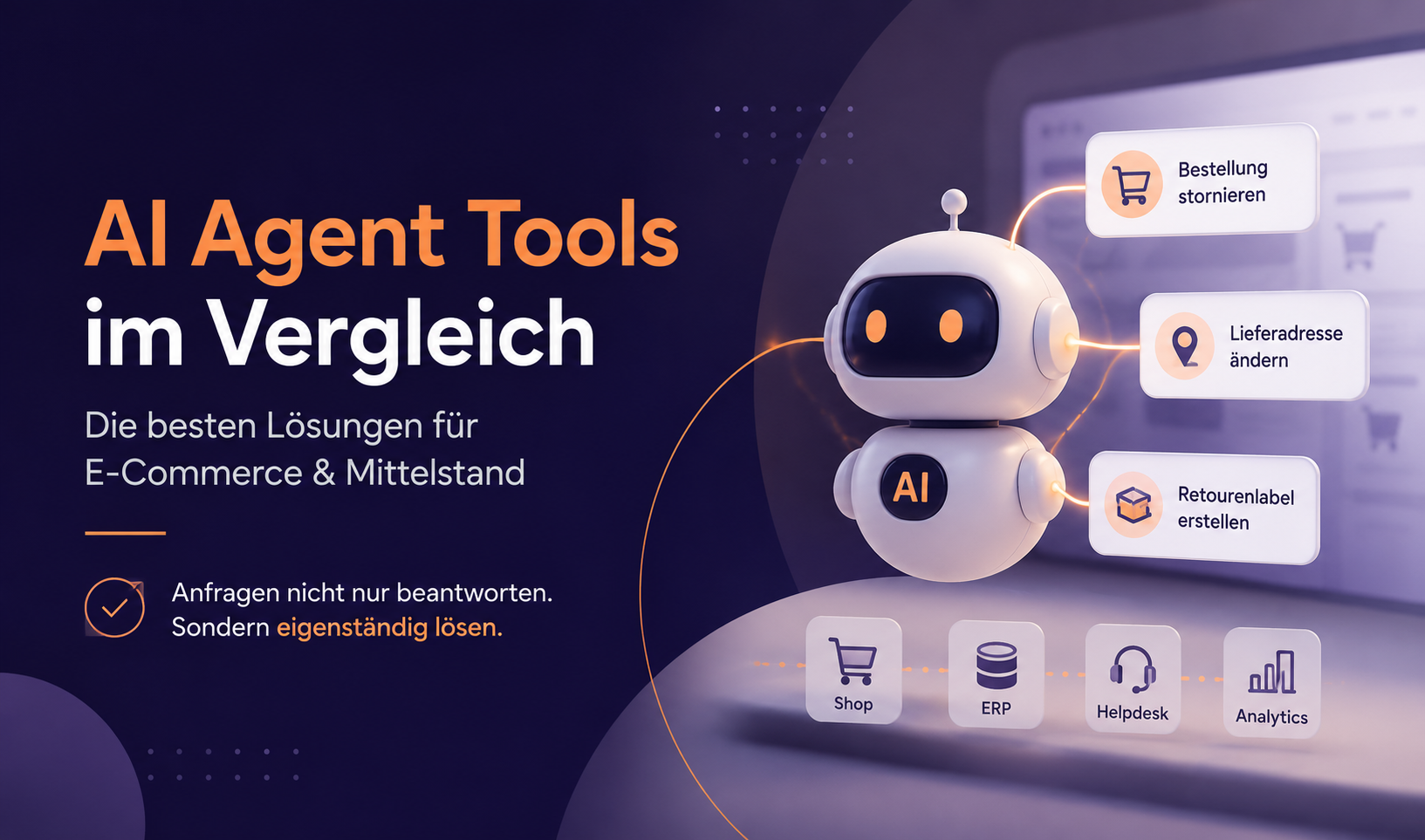
This is exactly where AI agents for Zendesk come in. They integrate seamlessly into your tech stack and extend Zendesk with intelligent features that make customer service faster, more efficient and more precise. Whether it's automatic reply suggestions, intelligent ticket routing or automating entire processes – an upgrade tailors your Zendesk perfectly to your business.
In this article, you'll learn which use cases you can cover with automation in Zendesk to optimize your support processes and take the load off your team.
Zendesk upgrade use cases
With the melibo upgrade for Zendesk, a large part of your customer service can be automated – from ticket handling to reply generation. Exactly how much automation potential there is depends, among other things, on the number of your one-touch tickets, i.e. requests that can be resolved with a single reply.
Before you implement the upgrade, it's worth analyzing your KPIs. That way, you can pinpoint which processes are best suited to automation and how to achieve the biggest efficiency gain for your support team. We also offer a free potential analysis. The following use cases show how automation makes your Zendesk even more powerful.
1. Automatic reply suggestions for agents
Do you know your average handling time? How long do your customers wait for a reply? Expectations are clear: answers should come fast and accurately, otherwise you risk unhappy customers and bad reviews. With an upgrade, the AI can generate reply suggestions directly. Agents only have to confirm or slightly adjust the reply, and the customer has their answer. Agents no longer have to write a new reply to the same questions every time. This also ensures consistent, professional answers. A bonus: new team members get up to speed faster, because they don't have to learn the company's tone first and can start onboarding with clear facts right away.
2. Automatic email sending
Sending a welcome message or a follow-up email should be automated as a matter of course by now. But modern ticket and email automation can do much more. Instead of just sending scheduled emails, incoming emails can be analyzed and answered automatically – with no manual intervention. Based on the email's content, the AI creates a suitable reply, similar to a reply suggestion – except that it's sent directly. For example, a delivery status request can be answered automatically with the right information, without an agent having to step in.
Of course, you can define which emails should be answered automatically – and which shouldn't. That gives you maximum control while taking the load off your team
And what if you still need information from your customers to resolve the request? If there's no reply after 48 hours, ticket automation can send a reminder email without an agent having to keep track. That way, no request gets lost in customer service and you improve the customer experience.
3. Automatically closing tickets to reduce the backlog
An ever-growing number of open tickets means one thing above all for your team: stress. Keeping track isn't easy. An effective solution is to use Zendesk automation to close tickets automatically if a customer doesn't reply within a set period.
For example, if an agent suggests a solution but the customer doesn't respond, the system can mark the ticket as “solved” after seven days and send a closing message. This keeps the ticket backlog manageable, and support teams can focus on active and urgent issues. Automating this process makes work more efficient and reduces unnecessary ticket build-up in the system.
4. Reduce AHT with automatic ticket summaries
A common time sink in customer service is searching through long email threads to understand a ticket's context. Especially with repeat requests or escalations, wading through past messages can significantly increase a ticket's handling time.
With AI-powered ticket summaries, the key information in a customer request is captured automatically and presented in compact form. Support agents no longer have to scroll through multiple email chains but see the relevant history at a glance. This saves valuable time, especially when tickets are passed between agents. Your average handling time drops significantly, and your customers get a well-founded answer faster.
5. Automatic translation for global support
Companies with an international customer base in particular face the challenge of offering support in several languages. With rising costs, finding agents with the right language skills can quickly get expensive. At the same time, your monolingual agents have to use external translation tools, which costs time.
As soon as a request arrives in another language, the system detects it and translates the message into the support team's native language. The agent's reply is then automatically translated back into the customer's language. This enables smooth communication, even if the company has no multilingual support of its own.
6. Data extraction to enrich tickets
Customer requests often contain important information such as order numbers, customer numbers or contract details that have to be entered into the ticket system manually. AI can detect and extract this information automatically, so agents no longer have to enter it themselves.
This not only saves time but also reduces the error rate, as typos and missing information are minimized. For example, if a customer sends an email with the subject “Problem with order #12345”, the AI recognizes the order number and enters it automatically in the corresponding ticket field.
7. Dynamic status updates for smooth ticket workflows
Ticket status is a core part of every helpdesk system – and yet it's often overlooked in the stress of everyday support. Tickets accidentally stay open long after they've been solved, or aren't updated in time when new information comes in. This can lead to confusion in the team, delayed responses and a messy ticket backlog.
With an AI upgrade, dynamic status updates are easy to automate. Depending on content, progress or customer response, the system changes a ticket's status automatically – e.g. from “Open” to “Pending”, from “In progress” to “Solved” or to “Closed” after inactivity. These rules can be defined individually and adapted to your internal processes.
This ensures clear responsibilities and a better overview as well as a smoother workflow in the team. Support staff know immediately which tickets need their attention – and no request is accidentally left behind.
Conclusion
With an AI upgrade for Zendesk, your customer service becomes more efficient and specifically tailored to the needs of e-commerce companies. Intelligent automation reduces repetitive tasks, shortens handling time and optimizes your entire ticket handling.
Instead of spending valuable resources on manual ticket management, long response times or unclear responsibilities, the AI ensures structured, efficient processing – from automatic categorization and routing and suggested replies for agents to fully automating individual processes.
Companies that want to scale their customer service while cutting support costs benefit from this technology in particular. An AI-powered Zendesk upgrade makes support not only more powerful but also more customer-friendly. Customers get faster, more precise answers, while support teams are relieved and can focus on more complex issues.
Whether you want to fully automate tickets, reduce handling time or simplify your entire workflow – an intelligent automation solution takes your customer service to the next level.