
Customer service that sells, too – on WhatsApp
Automate your support with melibo & ChatWerk. Turn WhatsApp conversations into revenue. Your customers' most personal channel becomes your strongest growth driver.

These e-commerce brands already rely on melibo





Remo D'Andreamatteo
CIO, Fuxtec GmbH

Britta Steinberg
Head of Customer Care, babyartikel.de
Why WhatsApp service
Customer service where your customers talk to their friends
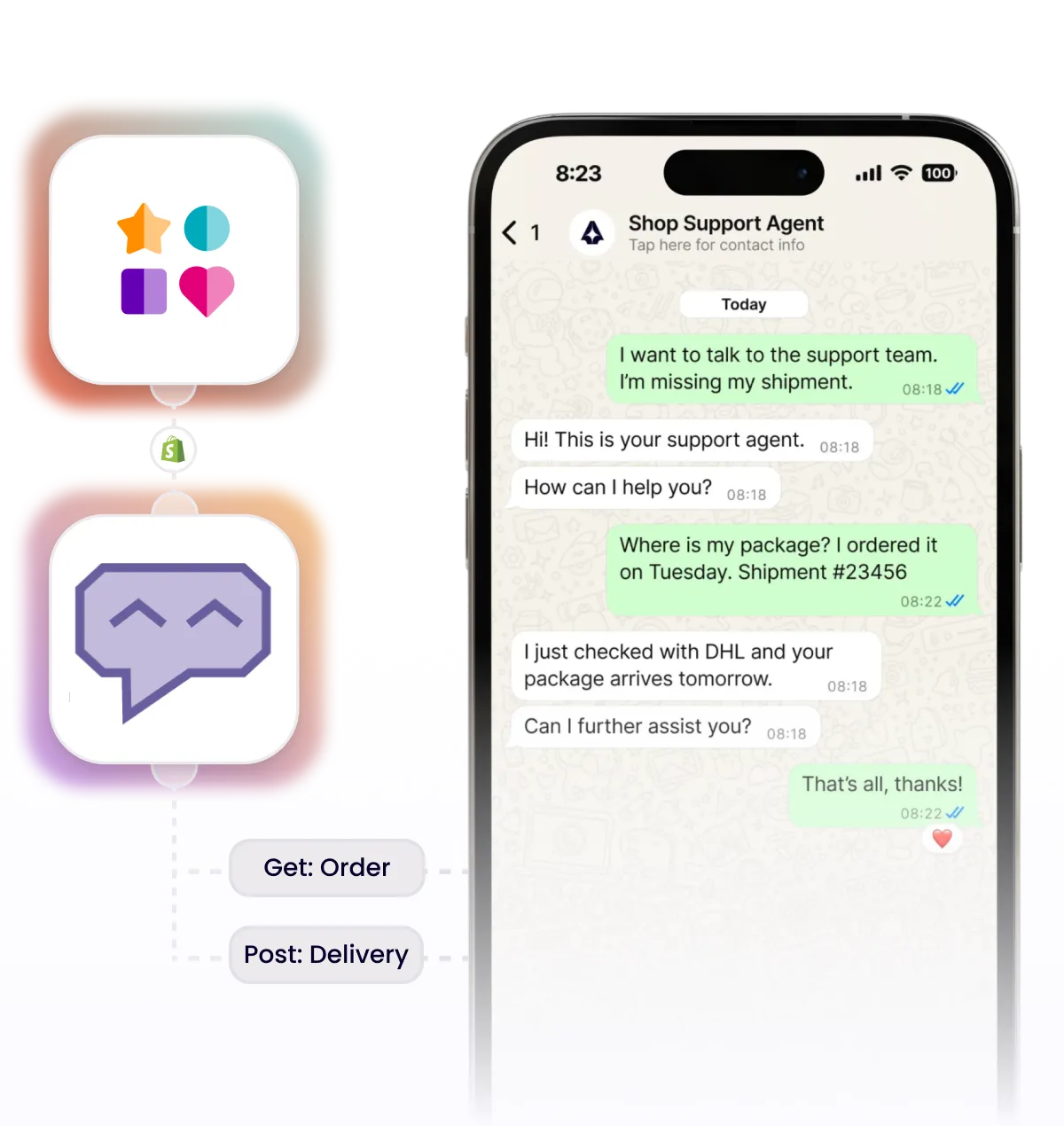
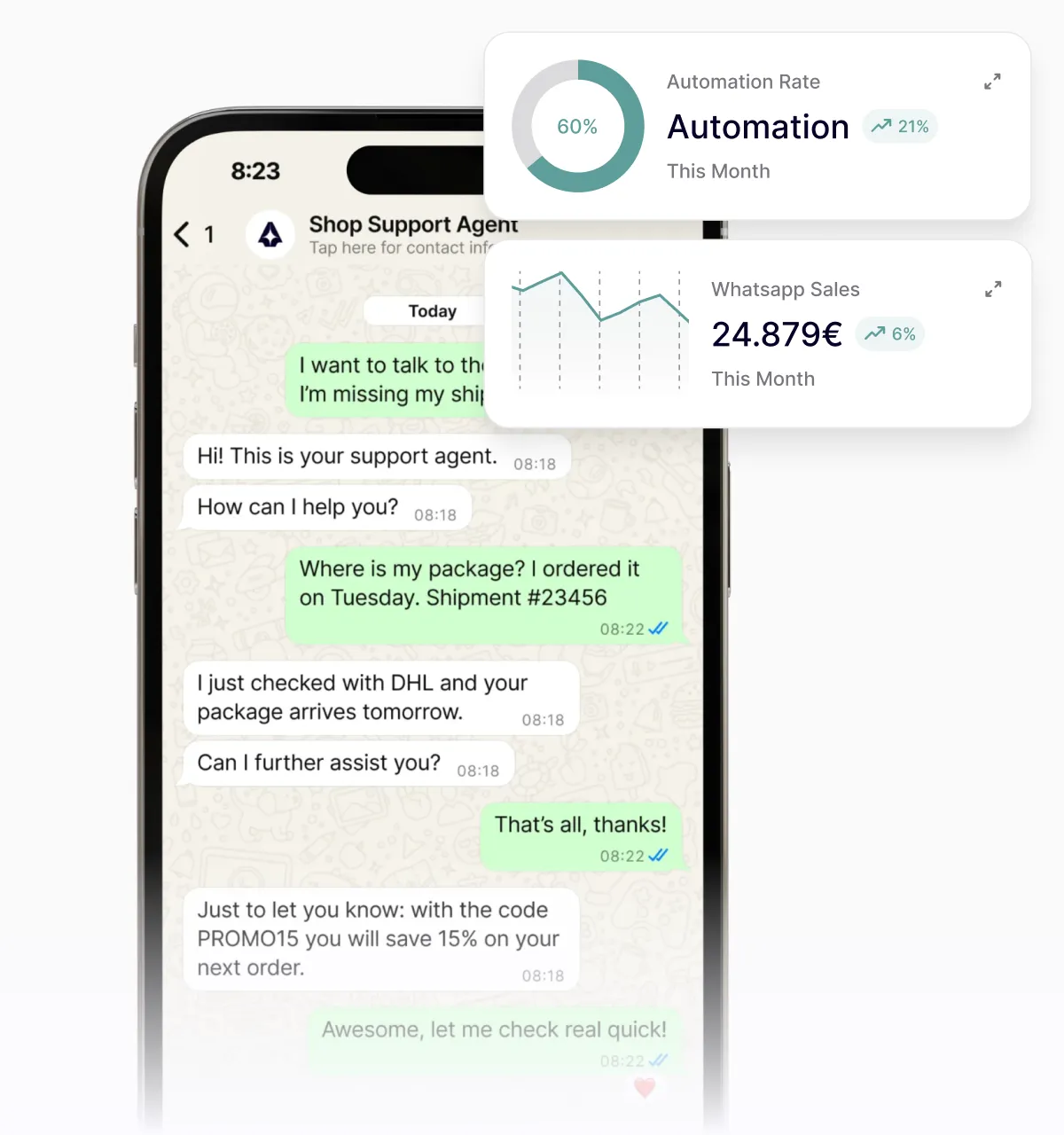
Most personal channel: WhatsApp is the #1 messenger in Germany. No other support channel gets this close to your customers.
Service that sells: every support request comes with a phone number. Get proactive with marketing messages and turn chats into sales.
Scale without extra work: melibo answers the most common questions automatically. ChatWerk takes over when it's time to sell or advise.
How does integration work?
The melibo x ChatWerk integration goes live in just 3 steps
Integrating ChatWerk and melibo is easy. With our AI experts, we get it done in just 3 steps.
Connect accounts
Create ChatWerk and melibo accounts. ChatWerk provides your official WhatsApp Business number.
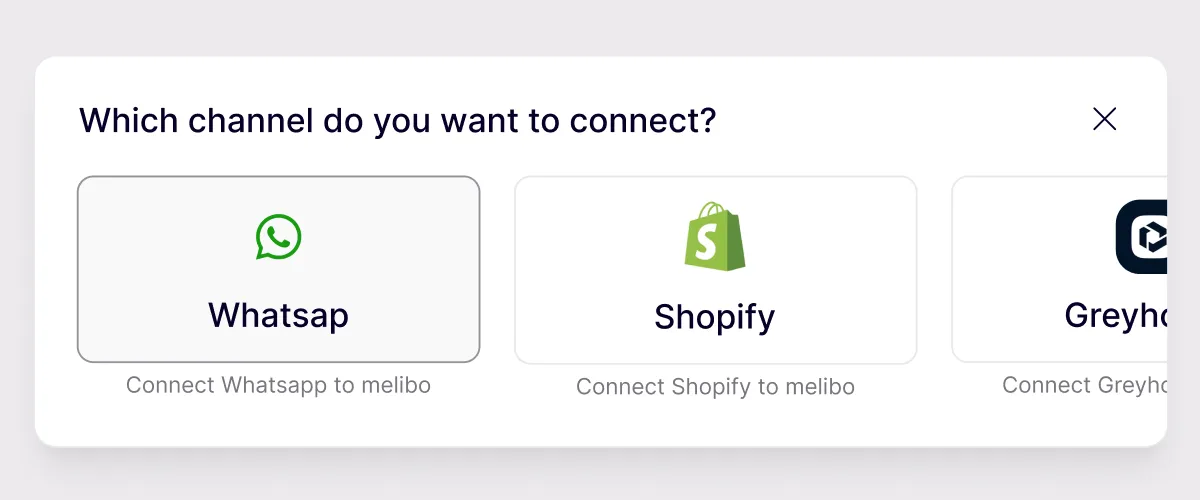
Set up the WhatsApp channel
Add WhatsApp as a channel in melibo and set the languages for your AI agent.
Configure the AI agent
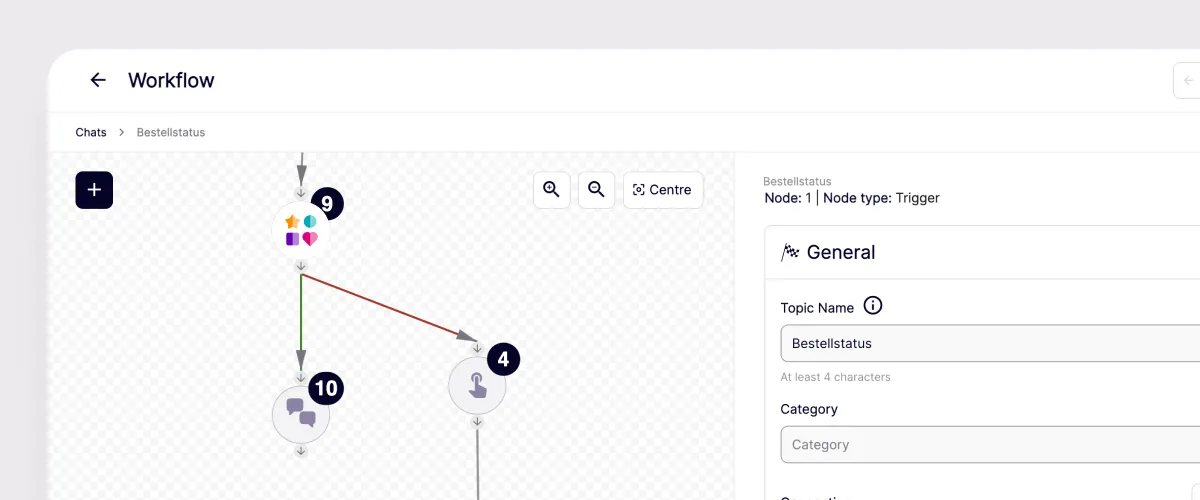
Build the AI agent with melibo CS. Define when the agent answers automatically and when requests are forwarded to your team in the ChatWerk inbox.

More than an add-on: automate support. Grow revenue.
Thanks to an interface built together with ChatWerk, melibo's AI agents can access WhatsApp directly. That way you combine the best of support and sales in your customers' most personal channel.
Support with melibo
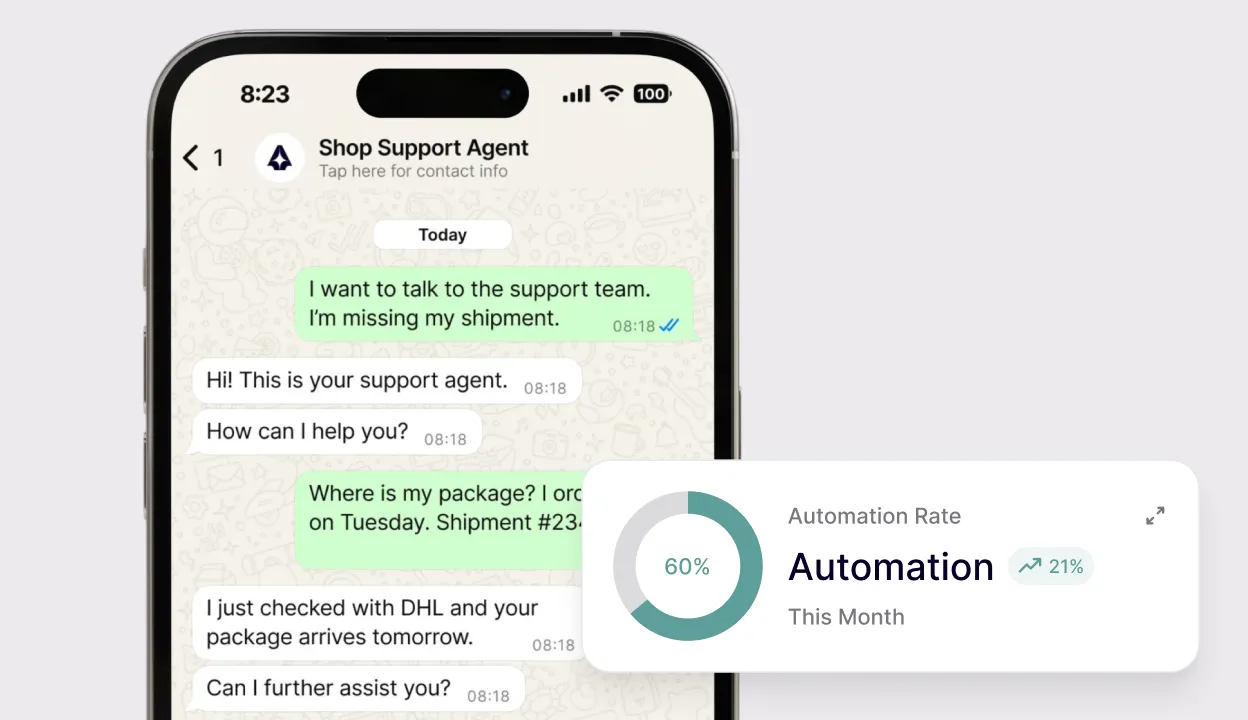
Sales with ChatWerk
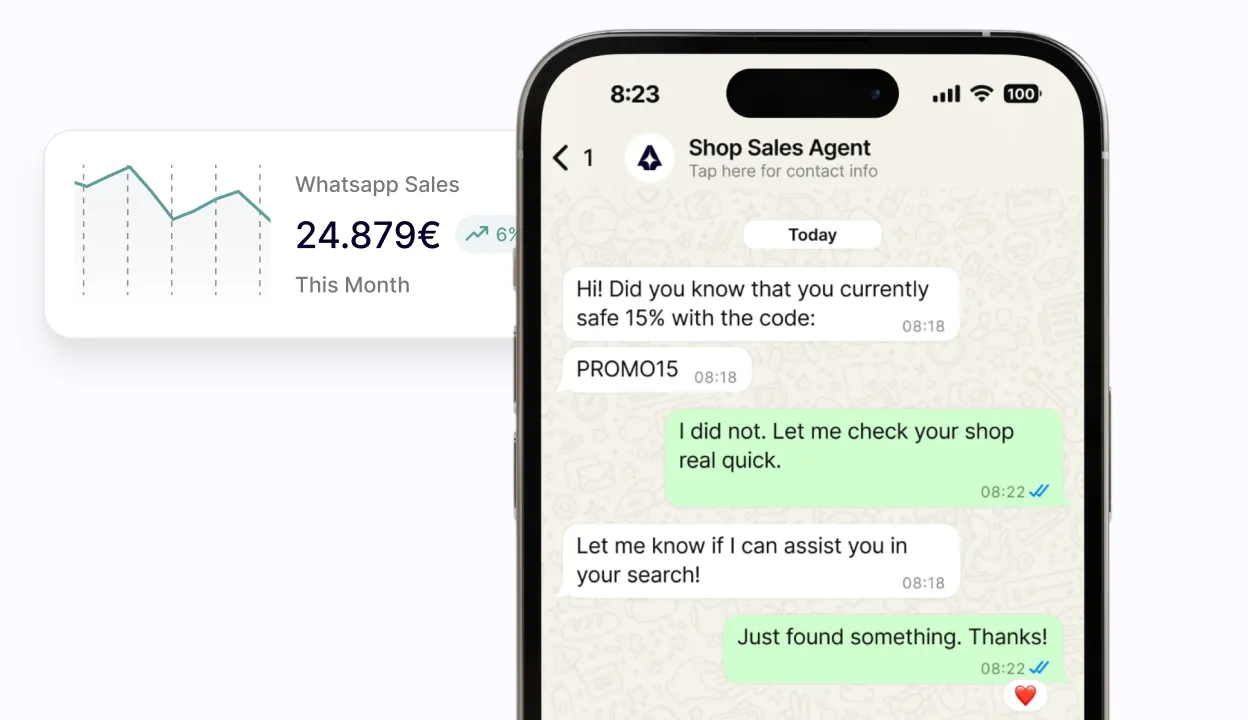
Transparency on every WhatsApp conversation
Every request – whether answered automatically or handed to an agent – lands in the melibo Bot-Gym. Train your AI agent on real conversations and make it better every day.
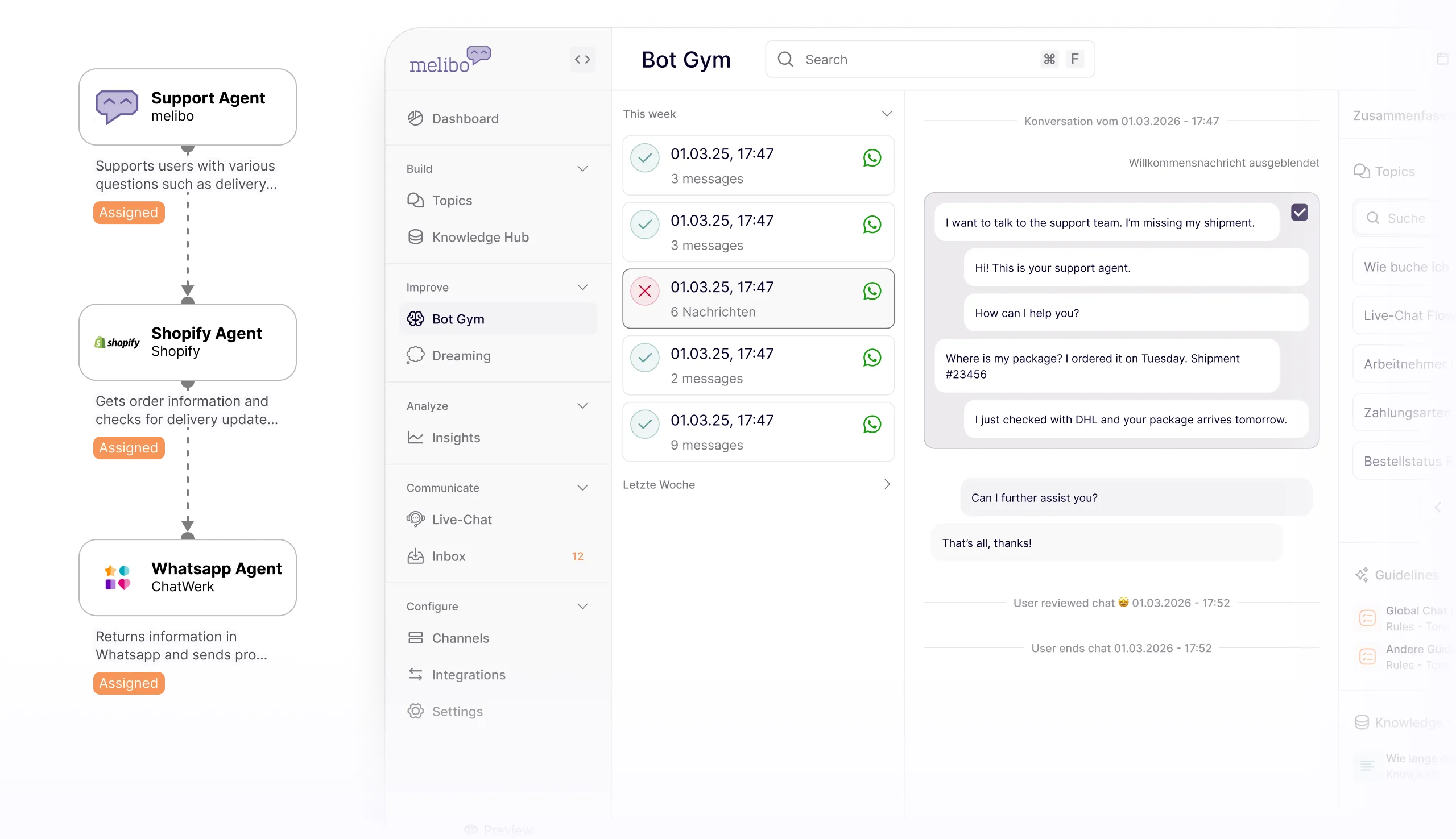
Training with real chats
Use your WhatsApp messages as training material for your AI agent in the melibo Bot-Gym.
Native integration
Thanks to our partnership with ChatWerk, our systems are closely connected and constantly in sync.
Conversation history
View all WhatsApp conversations with your customers right in the Bot-Gym.
Book a call
Book your 1:1 call with our partner manager now
What customers achieve with melibo's AI agents in ChatWerk


65%
Automation Rate

35%
fewer tickets

6
FTE savings per month

Deuba
More efficiency, less effort: with the melibo AI agent, Deuba handles 40% fewer support tickets and saves over €5,000 a month. The smart AI agent works seamlessly in the GREYHOUND helpdesk and the service portal chat – for faster answers and happy customers.
FAQs
Common questions, answered directly.
You need a melibo account for the AI agent and a ChatWerk account for the WhatsApp Business infrastructure. melibo handles automation and conversation flow; ChatWerk provides the WhatsApp Business API, the inbox and live communication. Both systems are directly connected – automated replies and personal support work hand in hand.
The WhatsApp Business number is provided and set up via ChatWerk. ChatWerk helps you connect the number as your official business channel. All customer conversations then run through it – either fully automated by the AI agent or, when needed, by your support team.
The AI agent supports 28 languages. That means customer requests on WhatsApp can be answered automatically in 28 languages – without building a separate support team for each language. That's especially relevant for e-commerce companies with international customers or multilingual audiences in the DACH region.
Handover from the AI agent to a live agent happens via a defined handover node directly into the ChatWerk inbox. The full chat history is visible to your team – the customer doesn't have to repeat themselves. The AI agent hands over actively as soon as it recognizes that a request needs personal support or the customer explicitly asks for it.
Yes, the combination of melibo and ChatWerk is GDPR-compliant. Customer conversations are processed in line with data protection rules, and personal data is secured according to GDPR requirements. Companies in the DACH region can use WhatsApp as a regular service channel without compromising on data protection.
Yes, you can send marketing newsletters directly from ChatWerk – provided the customer has opted in beforehand. You can request the opt-in right at the start of a conversation, for example for privacy terms and newsletter subscription. Contacts can then be segmented with tags and targeted specifically. That makes WhatsApp not just a support channel, but a marketing channel too.
The ChatWerk setup is usually done within a day. The AI agent is fully built, trained and launched within 30 days. The exact duration depends on which use cases you want to automate and whether integrations with existing systems like Shopware, Zendesk or a CRM are needed.
WhatsApp with an AI agent is especially suited for recurring, clearly defined customer requests: order status lookups, booking and rescheduling appointments, answering FAQs, logging complaints and qualifying leads. Product advice, delivery status requests and handover to live agents work cleanly too. For e-commerce companies with high contact volume via mobile channels, WhatsApp is often the most effective first automation step.
